Image Map
Showing posts with label scrapbook. Show all posts

The best of Kyushu, Japan!

Heyyie all! Hope your week has been great!:) Super excited to share some of the photos I took during my recent trip to Japan! Argh, missing Japan so much already!:( I decided to compile all the photos into Project Life spreads with lotsa yummy goodies from the Happy Things collection which will probably be hitting your retail stores soon!:D
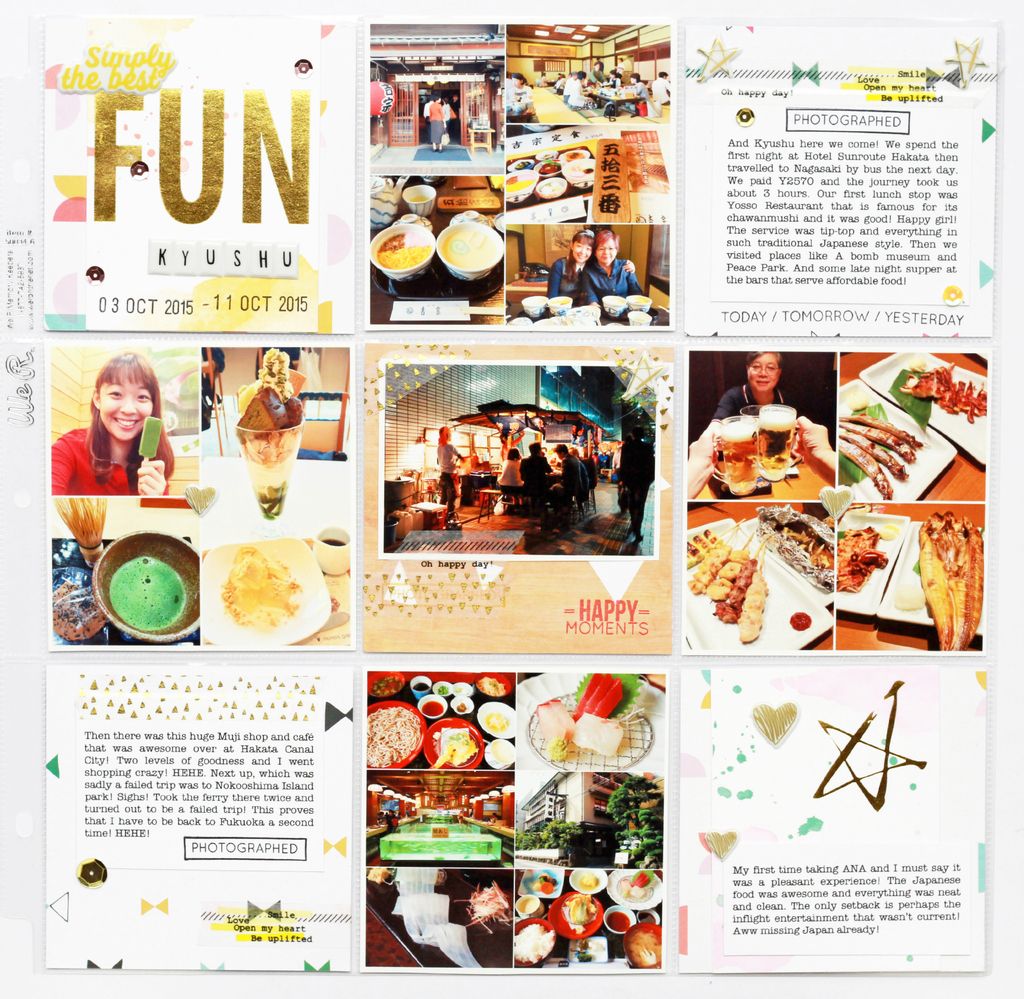
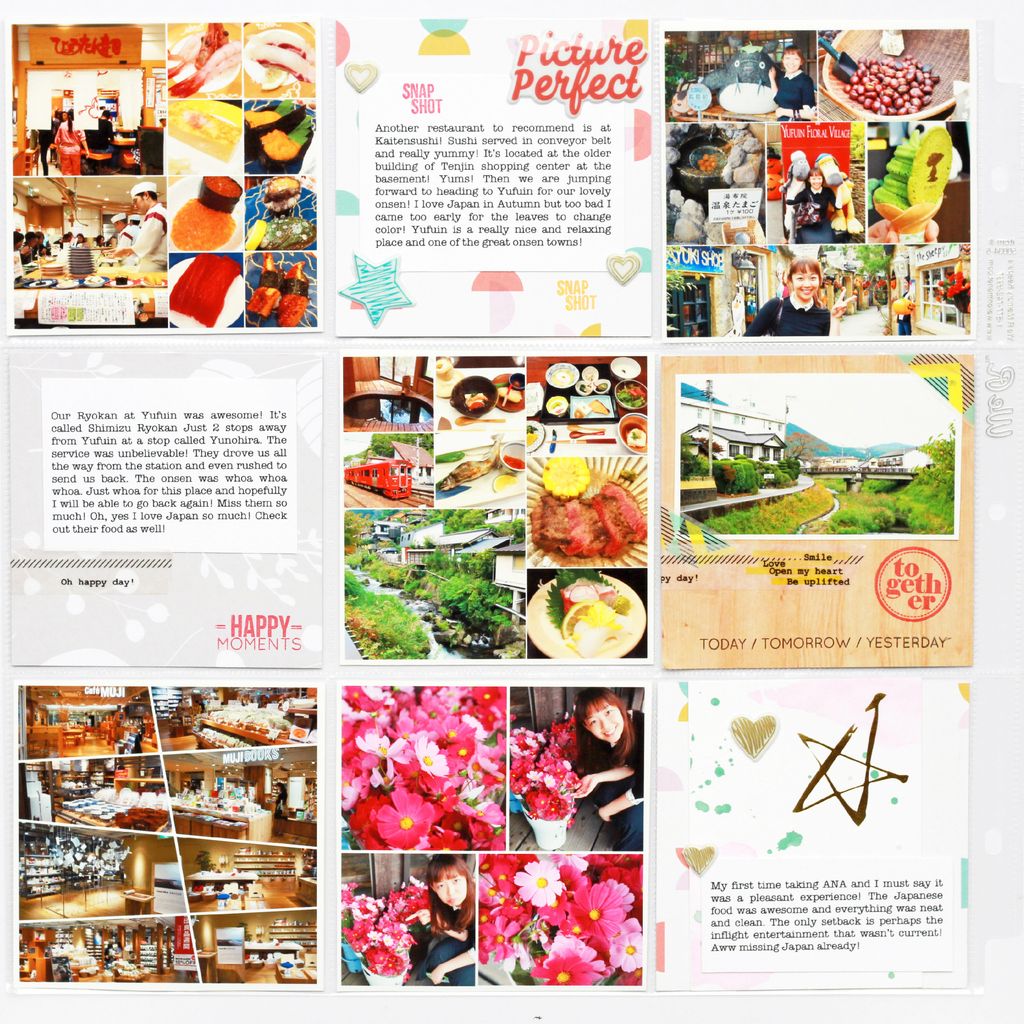
 photo IMG_4708_zpsdfw92x3i.jpg

 photo IMG_4709_zps0l8s8kx8.jpg

Thanks so much for dropping by! Hope you like my projects as much as I have enjoyed making them! We love to see your creations with Pink Fresh Studio products as well! Remember to tag us on Facebook or #pinkfreshstudio on Instagram! Till my next update, take care and God Bless! 
 photo simply-sig_zpscc0a663a.jpg
 photo fb_zpsdef78796.jpg    photo insta_zps15a36000.jpg    photo pinterest_zpsa4f864e4.jpg    photo mail_zps2667dbe9.jpg

Kristopher Chan & Serena Tan Wedding

Good day to all! Whoa, I can't remember how long it has been since I last did a customised wedding layout! Thanks to Gracia for this opportunity! Had lotsa fun playing with my all time favourite Crate Paper collections! Hope you like them as much as I did!
 photo IMG_4683_zpsdnnuf8hv.jpg
Gracia requested to have this scrap lifted from my previous layout and love how it's similar to it, but also very different!:D photo IMG_4687_zpsewrvudan.jpg
 photo IMG_4688_zpskgs54jph.jpg
 photo IMG_4689_zpsj24qpo0i.jpg
And the budget allows for a second layout so this is the promise layout!:D Wishing the both of them a blessed marriage!
 photo IMG_4680_zps1ky8hoeu.jpg
Thanks so much for dropping by! Till my next update, take care and God Bless!:D
 photo simply-sig_zpscc0a663a.jpg
 photo fb_zpsdef78796.jpg    photo insta_zps15a36000.jpg    photo pinterest_zpsa4f864e4.jpg    photo mail_zps2667dbe9.jpg

Locker Room: You are dearly missed, Australia!

Hello! Cassandra here and hope your week has been great! I am back to share another layout with the September Capture kit! Love every bit of it!:D
 photo IMG_4673_zpscnpzn8xp.jpg
To create this layout, I first chose a patterned paper as the background paper then layered it with a 11.5"x11.5" white card stock. Then I splattered red ink from Maya Road randomly around the card stock.
 photo IMG_4670_zpsoplsvpu7.jpg
Next, I added a few vellum hearts from the Cocoa Vanilla Hello Lovely die cuts pack so that it won't appear too plain! photo IMG_4671_zpscvgg41h8.jpg

Then the rest would be layering it bit by bit. I like to first arrange everything so that I can get an overview of my end product and snap a photo so I know roughly where to put them. Though tedious, this has proven to help me make all my layouts more cohesive.
 photo IMG_4673_zpscnpzn8xp.jpg

 All materials can be found in the September Capture Kit:
Thanks so much for dropping by and hope some of the tips help! We would really love to see your creations! Please hashtag cliquekits on Instagram or tag us on Facebook! Till my next update, take care and God Bless!
 photo simply-sig_zpscc0a663a.jpg
 photo fb_zpsdef78796.jpg    photo insta_zps15a36000.jpg    photo pinterest_zpsa4f864e4.jpg    photo mail_zps2667dbe9.jpg

Geek Lab: Being Me.

Good day to all! I have heard from quite a few of my friends recently asking me what's the best way to add text into my photos or edit them, so I thought I would share some tips! Basically, I am almost a computer/IT idiot that's why Photoshop is too difficult for me (though I know everything can be done through it). I, however, edit almost all my photos through PicMonkey because it's FREE!
 photo Being Me_zpsiwdluodt.jpg
Here's how: Click on the link and it will direct you to the page as shown below.

Then, open a file and upload it. You may crop it to Instagram square sizes (though we finally no longer need to) or any dimension you want. I like to play around with the exposure to add brightness to the photo, sharpen it a little and even adjust the temperature of the photo (warm or colder).
Then to add text to your photo, simply click on add text. The best part is that even your own collection of fonts may be found under the "Yours" section. Do note that those with a crown sign beside it requires extra charges.
 After playing around with the text, here's how it looks like:
Then click save. I like to save the photo quality as sean but if you are concern about the photo sizes, then there are 3 options to choose from.
Then finally, have it printed out and here's my layout with the hello lovely collection!:D
 photo Being Me_zpsiwdluodt.jpg
Supplies used: August Capture Kit
Thanks so much for dropping by and hope you have enjoyed my project! We would really love to see your creations! Please hashtag cliquekits on Instagram or tag us on Facebook! Please also note that this is not a sponsored post or any sorts! It's just that PicMonkey is working best for my scrapbook needs so thought of sharing!:D

Till my next update, take care and God Bless!

 photo simply-sig_zpscc0a663a.jpg
 photo fb_zpsdef78796.jpg    photo insta_zps15a36000.jpg    photo pinterest_zpsa4f864e4.jpg    photo mail_zps2667dbe9.jpg

Yearbook: Melbourne - Sydney 2015

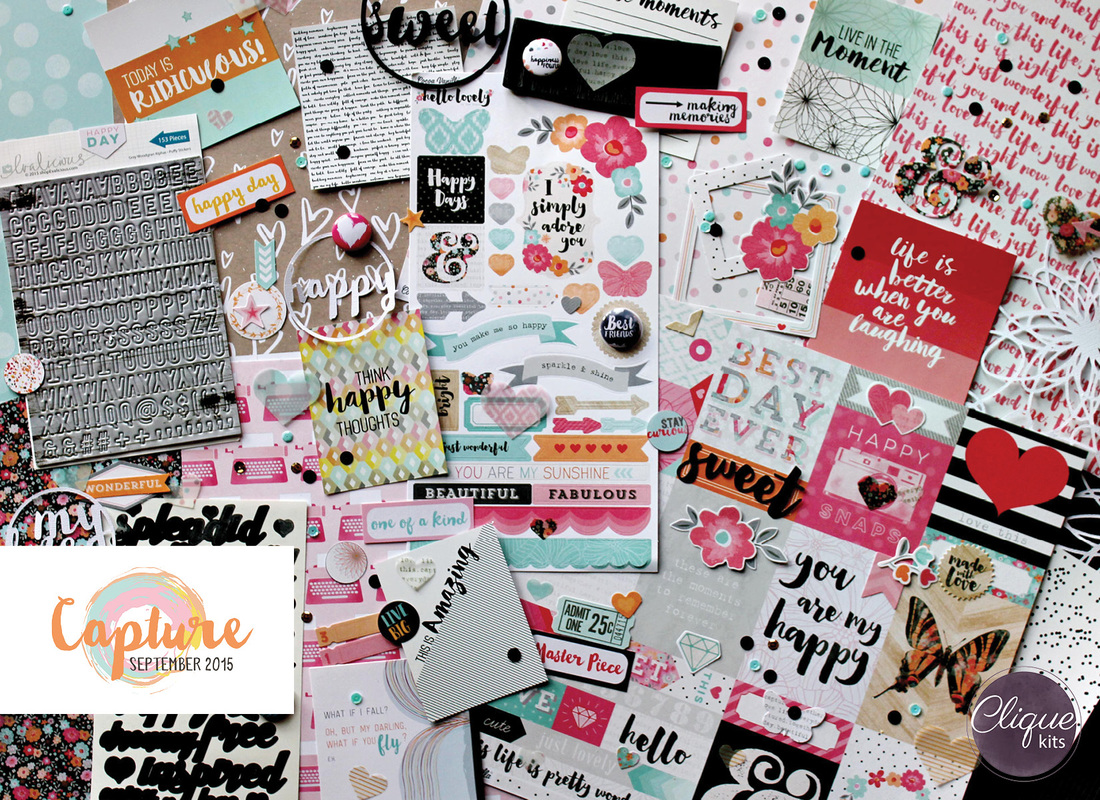
Hello all! Thanks for dropping by Clique Kits! Here's sharing a Project Life spread I did with WRMK plastic folder. Love their square format and what's even more amazing is that in the September Capture kit, it has a variety of square format patterned cards as the ones shown below! 
 photo IMG_46561_zpstst7qhle.jpg
Using Cocoa Vanilla's Hello Lovely collection, I first cut a few pieces of patterned papers into 9 squares of 4" and place them randomly over the squares to add colors and variety to the spread. Love how it looks and had lots of fun documenting my Australia trip!
 photo IMG_4658_zpsxilrhw1v.jpg

 photo IMG_4660_zpsf6pshixd.jpg
Hope you like them as much as I have enjoyed creating them!
 photo IMG_4662_zps2wkpcuvo.jpg

All materials can be found in the September Capture Kit:_184304_orig

Thanks so much for dropping by and hope you have enjoyed the project! We would really love to see your creations! Please hashtag cliquekits on Instagram or tag us on Facebook! Till my next update, take care and God Bless!

 photo simply-sig_zpscc0a663a.jpg
 photo fb_zpsdef78796.jpg    photo insta_zps15a36000.jpg    photo pinterest_zpsa4f864e4.jpg    photo mail_zps2667dbe9.jpg